VCheckableCollection
一组选项的集合,用于实现多选或单选功能。
基础用法
使用 ItemsSource 和 SelectedItems 属性来绑定数据和选中项。
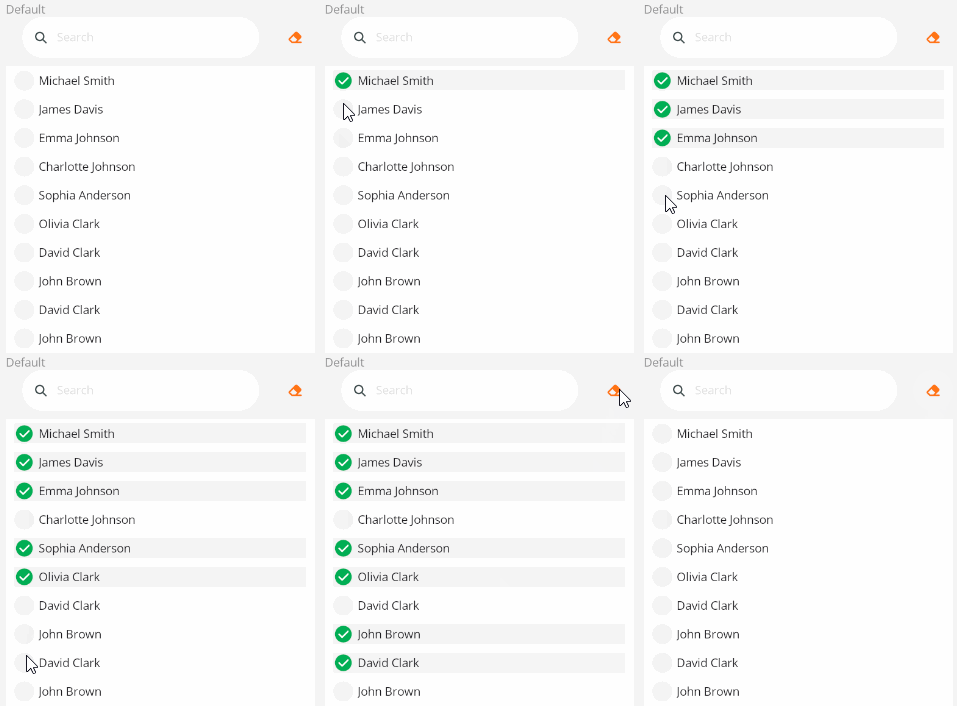
<control:VCheckableCollection ItemsSource="{Binding InternalEmailList}"
                            SelectedItems="{Binding SelectedEmailList}">
</control:VCheckableCollection>
设置 DisplayPropertyName 属性来指定显示的属性。
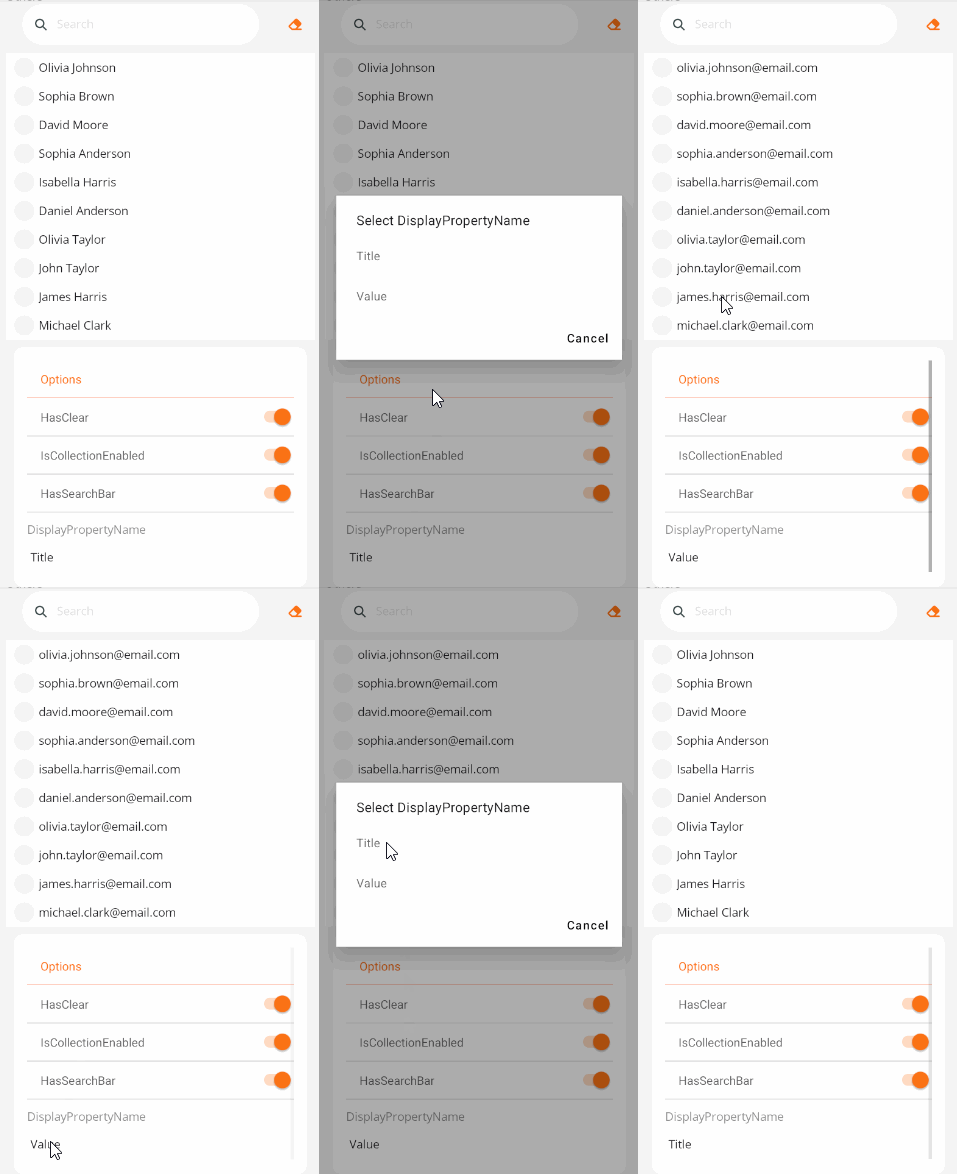
<control:VCheckableCollection DisplayPropertyName="Title"
                            ItemsSource="{Binding InternalEmailList}"
                            SelectedItems="{Binding SelectedEmailList}">
</control:VCheckableCollection>
搜索框
使用 SearchKeywords 可绑定属性指定搜索关键字。将不区分大小写模糊匹配符合条件的项。
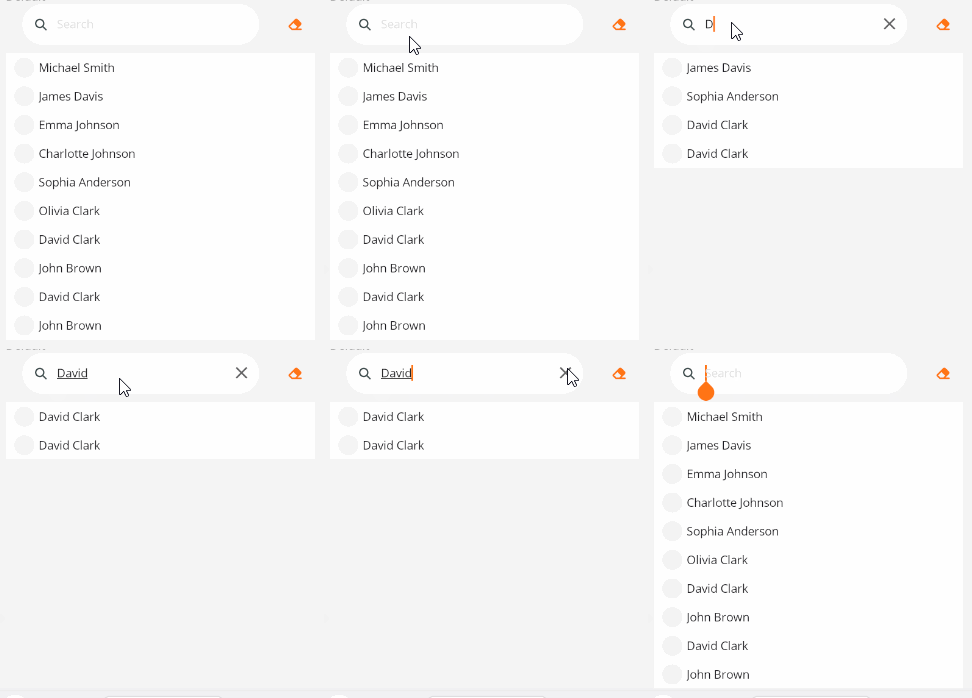
<control:VCheckableCollection DisplayPropertyName="Title"
                            SearchKeywords="{Binding SearchKeywords}"
                            ItemsSource="{Binding InternalEmailList}"
                            SelectedItems="{Binding SelectedEmailList}">
</control:VCheckableCollection>
单选
使用 IsSingleSelection 属性为True时来设置单选。
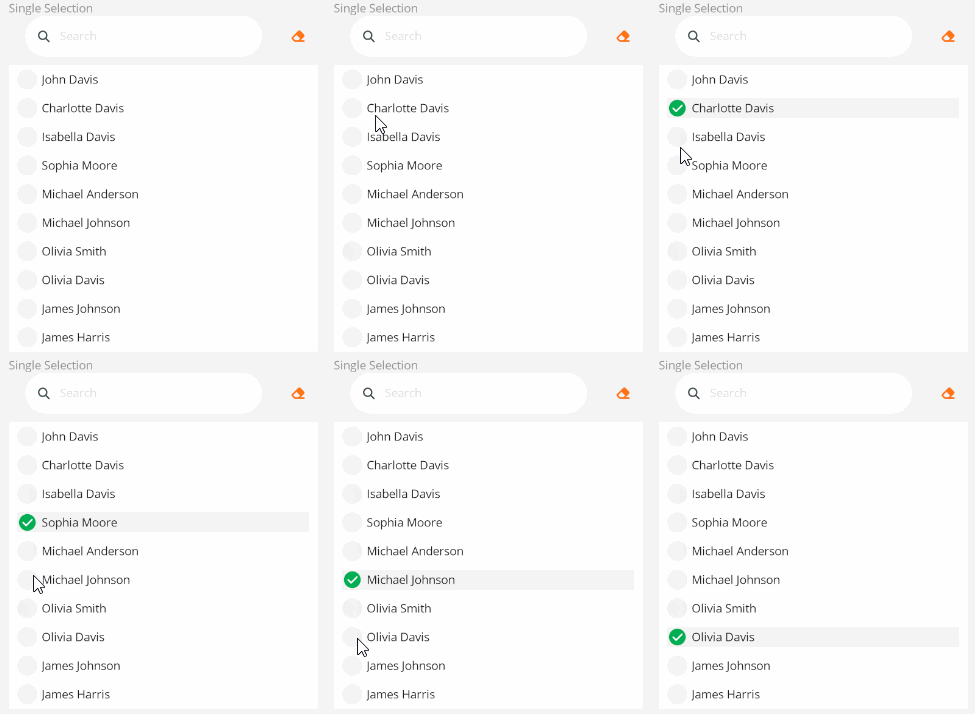
<control:VCheckableCollection IsSingleSelection="True"
                            DisplayPropertyName="Title"
                            ItemsSource="{Binding InternalEmailList}"
                            SelectedItems="{Binding SelectedEmailList}">
</control:VCheckableCollection>
隐藏搜索框或清空按钮
多选框不可用状态。
- 设置
HasClear属性为False可移除清空按钮。 - 设置
HasSearchBar属性为False可移除搜索框。
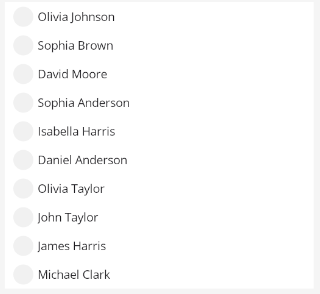
<control:VCheckableCollection HasClear="False"
                              HasSearchBar="False"
                              ItemsSource="{Binding InternalEmailList}"
                              SelectedItems="{Binding SelectedEmailList}">
</control:VCheckableCollection>
禁用状态
多选框不可用状态。
设置 IsCollectionEnabled属性为 False 即可。
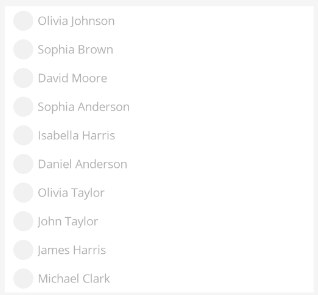
<control:VCheckableCollection IsCollectionEnabled="False"
                              ItemsSource="{Binding InternalEmailList}"
                              SelectedItems="{Binding SelectedEmailList}">
</control:VCheckableCollection>